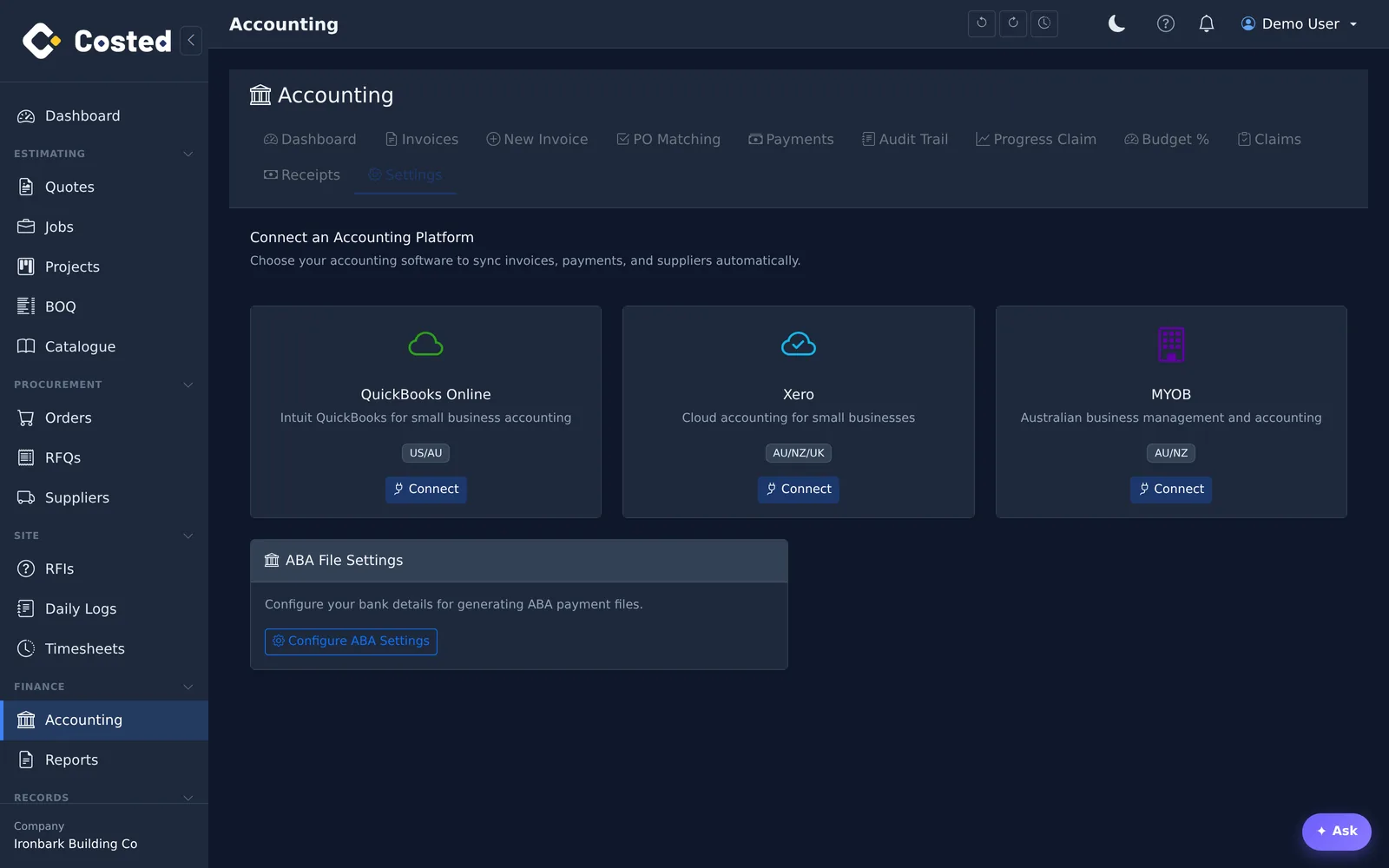
Direct integrations with Xero and QuickBooks Online. Connect once with OAuth, map your GL accounts, and your claims and invoices flow through without re-keying.
OAuth 2.0 connection with GL account mapping. Bills, credits, claims, receipts, payments, retention releases and purchase orders flow into Xero, rate-limited and retried properly so nothing goes missing.
Full OAuth connection for Australian companies: GL mapping, GST codes handled line by line, and the same document set flowing into QBO.
The mapping screen lists the accounts costed posts to, suggests the matching platform account, creates a missing one in the platform, or imports your existing chart — so a bookkeeper maps once and moves on.
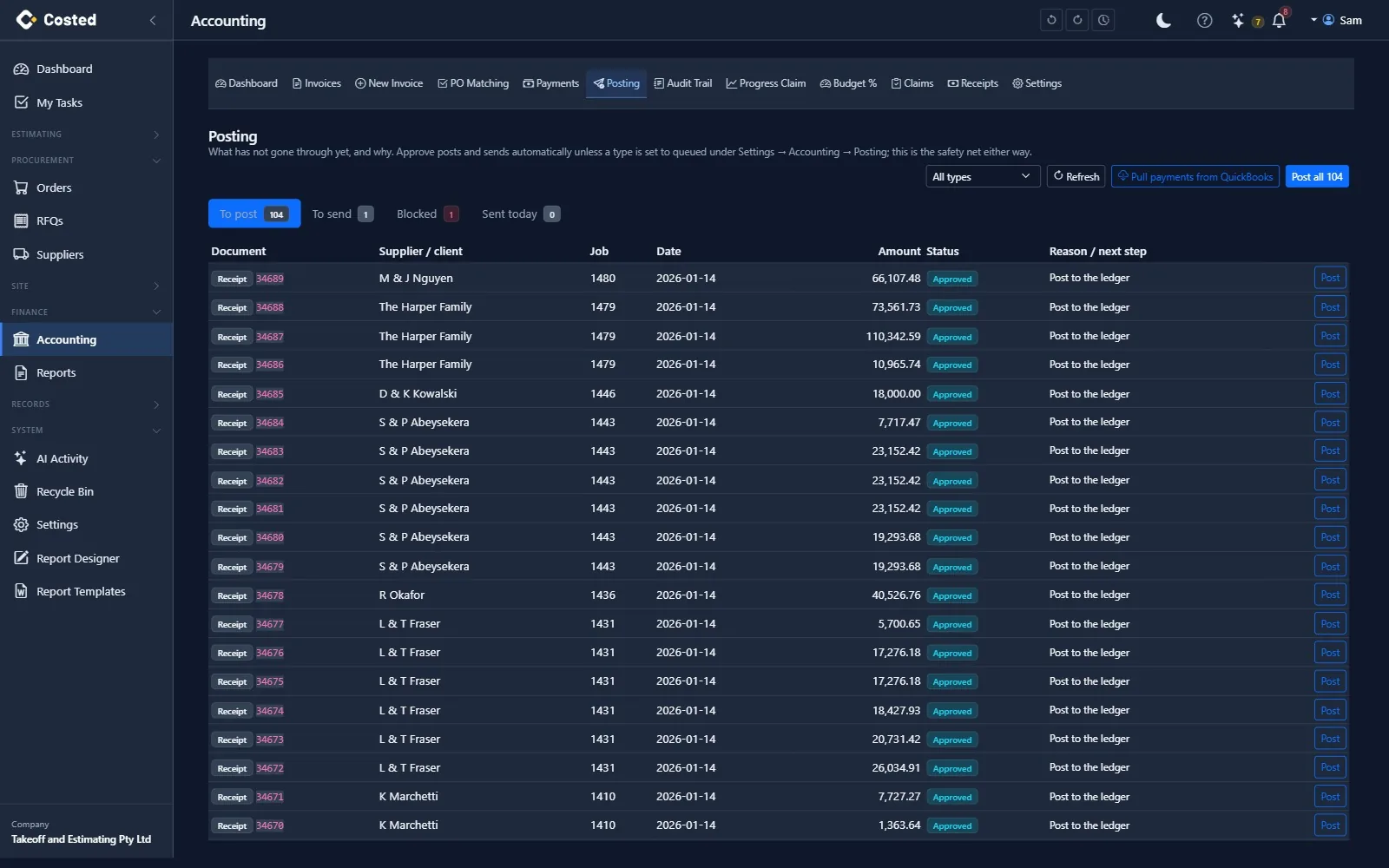
Every document has a posting state — approved, in the ledger, in your accounting package, settled — and a Posting screen with To post, To send and Blocked queues. Choose the rules per document type, lock a period once the BAS is lodged, and let the money come back.
Approve posts and sends in one go, or stops for a person to press Post. A blocked document says why and what to press.
Send POs to Xero or QuickBooks when they are placed. Prefer the bookkeeper to enter bills in the package? Platform-led mode pulls those bills back onto the job, matched to the PO, so job cost stays right without re-keying.
When the bookkeeper receipts a claim or pays a bill in the package, costed pulls it back nightly (or on demand) and marks the document settled.
Posting Reconciliation, GST / BAS summary with a ledger cross-check, supplier statement reconciliation, client receipts ageing, retention schedule, job P&L from the ledger and a trial balance — nine financial reports built on the sync.
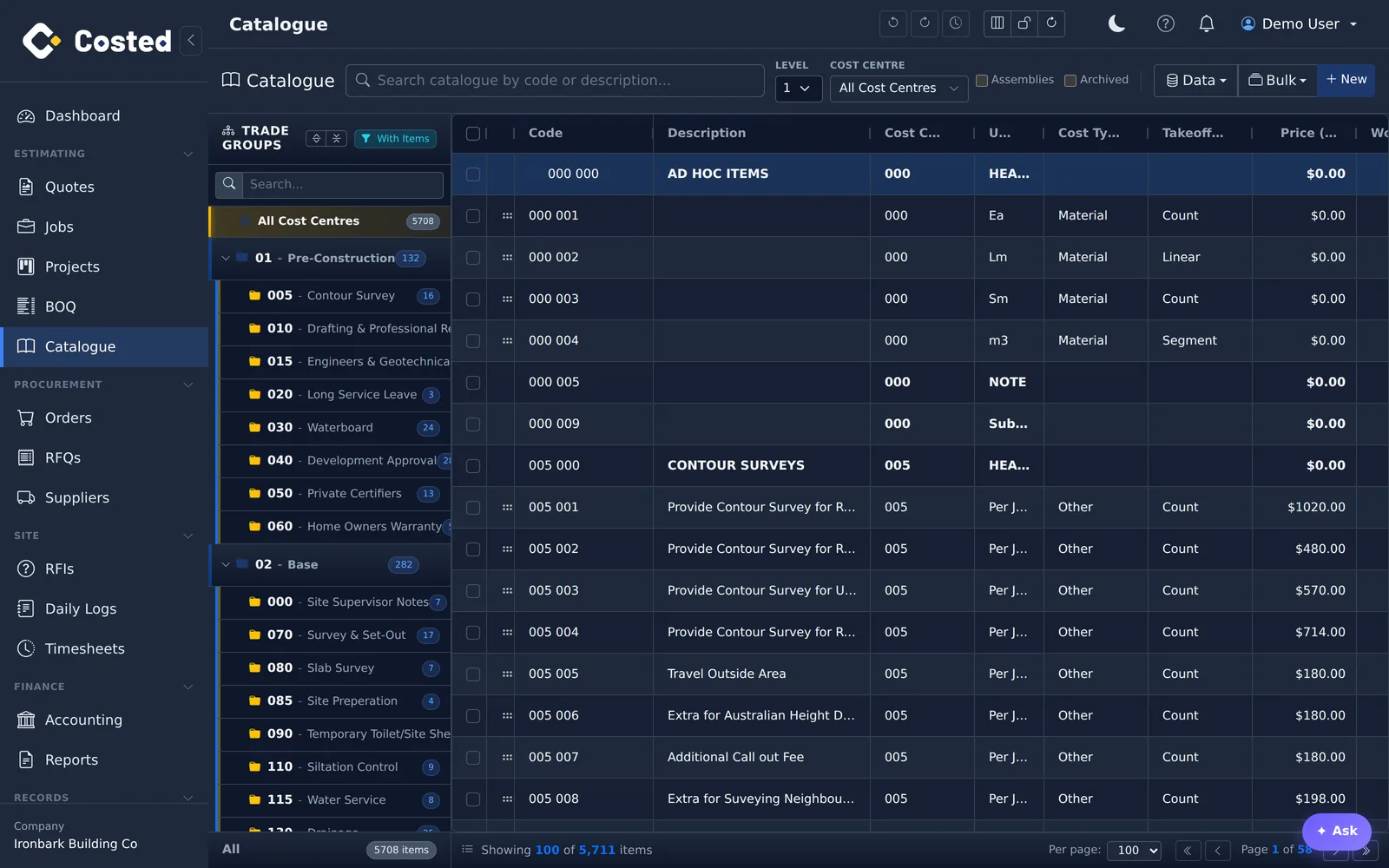
BOQ export and quantity import via Excel, plus migration tooling for Databuild and SQL-based legacy systems — used during onboarding to bring your price file and jobs across.
14-day free trial. No credit card. Your data, your call.