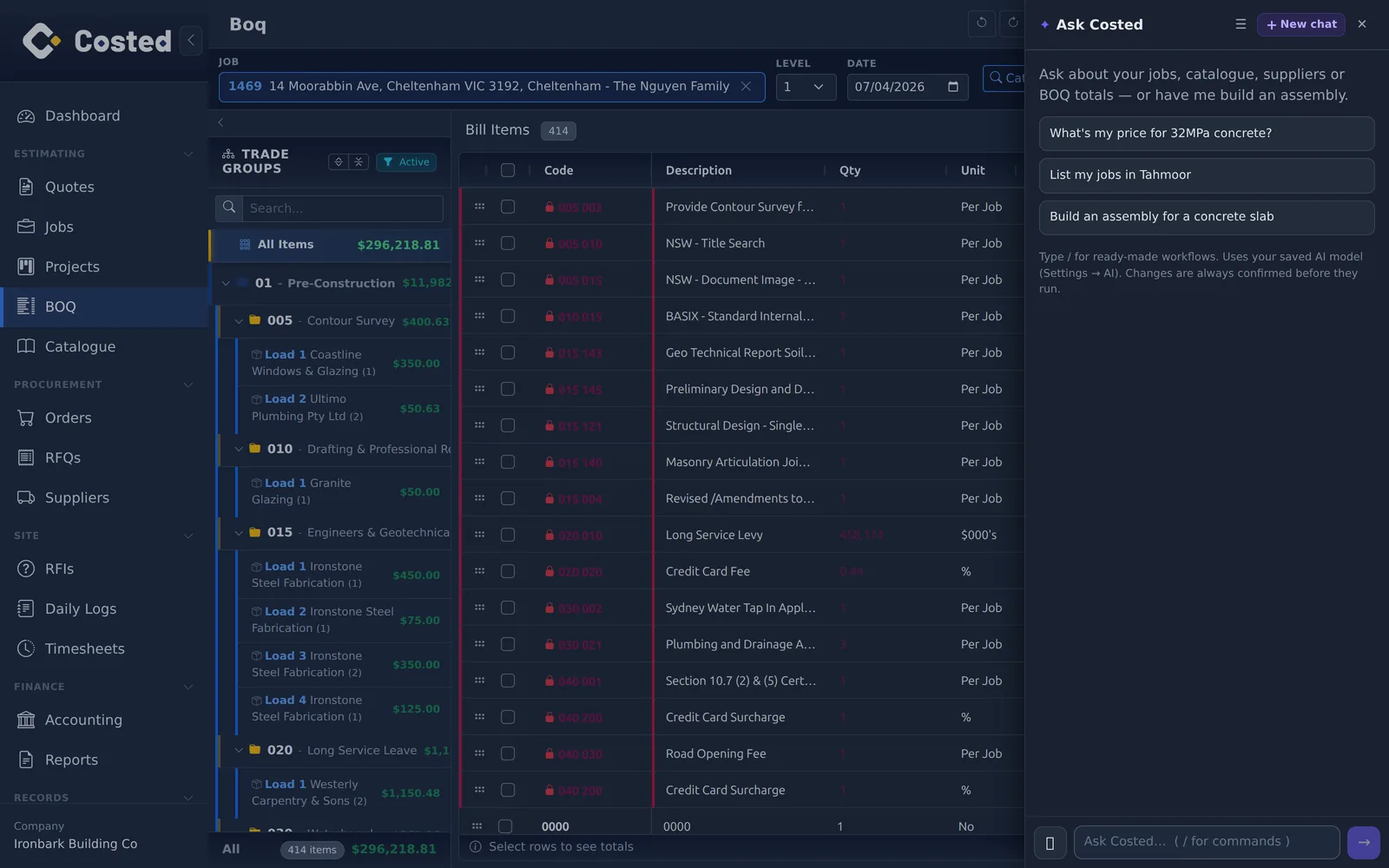
Ask Costed answers questions about your jobs, catalogue and BOQs right inside the app. Prefer your own assistant? The MCP server lets you bring the AI of your choice. And a versioned REST API is there when you want to build directly.
The assistant answers questions about your jobs, catalogue, suppliers and BOQ totals — and can build assemblies — right where you work. It uses the AI model you pick in Settings → AI, and every change is confirmed before it runs.
costed.app ships a Model Context Protocol server with 70 tools that read and write. Connect Claude — or any MCP-compatible assistant you prefer — and it can pull a BOQ, list jobs, prepare an RFQ, run a profitability report or check price intelligence, authorized per-tenant over OAuth.
A versioned /api/v1 with an OpenAPI reference. Read your jobs, catalogue, suppliers, cost centres, contacts and units with tenant-scoped keys (costed_sk_), per-domain scopes, rate limits and an audit log. Self-manage keys and outbound webhooks in the app.
An interactive API reference (RapiDoc over the live OpenAPI spec) documents every resource, response and error — with a built-in request console. Sign in and open it at app.costed.app → Developers; the spec itself is public at /api/v1/openapi.json.
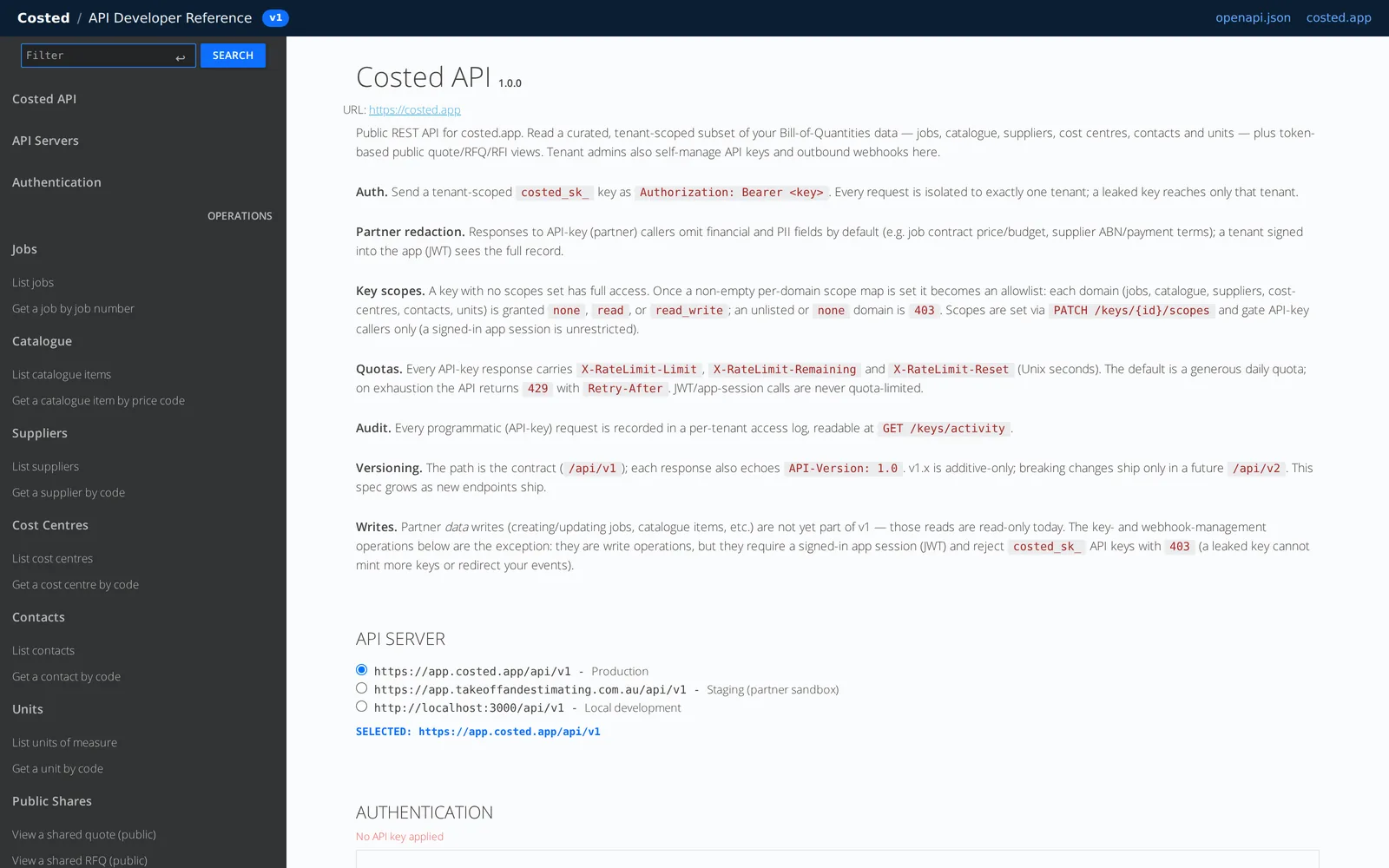
costed_sk_ key, choose its scopes, and open the interactive API reference. Outbound webhooks are managed there too.14-day free trial. No credit card. Your data, your call.